What is the Glance Developer Network?
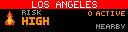
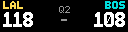
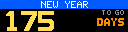
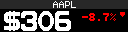
The Glance Developer Network (GDN) lets you build custom apps that run on the Glance LED and Scroll Engines: a world clock, a stock ticker, an air-quality readout, a wildfire alert, a countdown. Write your own apps, preview them in the Glance Dev Studio environment, then push them to our community repo to display on your panel and share with the community.

What it takes to make a Glance app
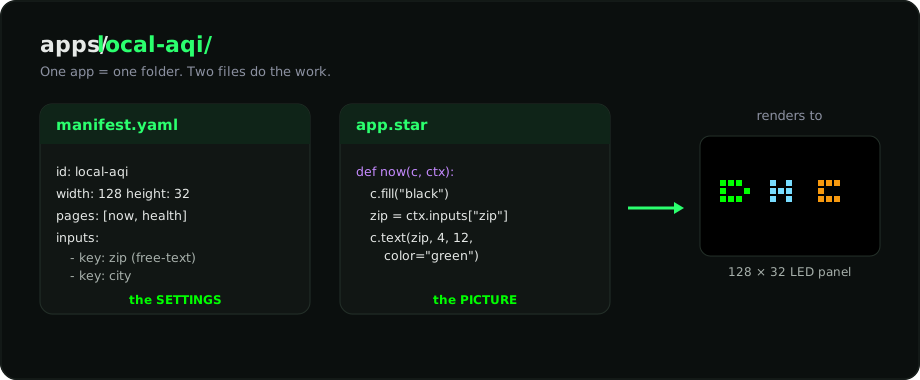
An app is a folder with exactly two files that matter, illustrated in the diagram below:
manifest.yaml, the settings. Its name, panel size, how often it refreshes, its pages, and the inputs a user fills in (like a zip code).app.star, the picture. Code (in Starlark, a safe, Python-like language) that describes what to draw. It never touches pixels directly. It callsc.text(...),c.rect(...), etc., and GDN's renderer turns that into a PNG.
gdn new scaffolds a complete working example app, and
Glance Dev Studio lets you edit both files with a live preview. Either
way, you start from something that already renders.
Limits and what to expect
Your app runs in a sandbox, so a few things simply aren't available. Plan around them up front:
- No filesystem or OS access. Your code can't open files, read environment variables, or reach secrets.
- No direct network. The only way out is
http.get(...), which the host runs for you. It'sGETonly, with a hard 5-second timeout, a 1 MB response cap, and at most 8 uncached requests per render. - A pixel canvas. Each Glance panel is 64×32 pixels, and panels daisy-chain up to 384×32. For best performance, keep images to 192×32 or smaller and split content across multiple pages. Height is always 32, and the bitmap fonts are uppercase only.
Because everything runs through the same renderer, the preview you see locally is identical to what ships to the panel.
What you can build